How to hide Sidekick in Shopify Admin
Recently Shopify has updated their Shopify Admin design, named “Polaris 2.0” . With the new design, Shopify has slapped a permanent “Work with Sidekick” box at the bottom of every page (except the home page hah), which can obstruct Admin operations, and cause confusion for merchants.
I use the full screen mode to edit code in Shopify Flow often, and the Sidekick box at the bottom has forced me to add a few empty lines below (to push the code up), as the code would have been obstructed by the Sidekick box :

If you are using Google Chrome, you can hide the Sidekick box, by adding some custom CSS code, with the help of Chrome extension.
I am using the “Custom CSS by Denis” Chrome extension , as it is a very lightweight extension, with no ads and featured by Google.
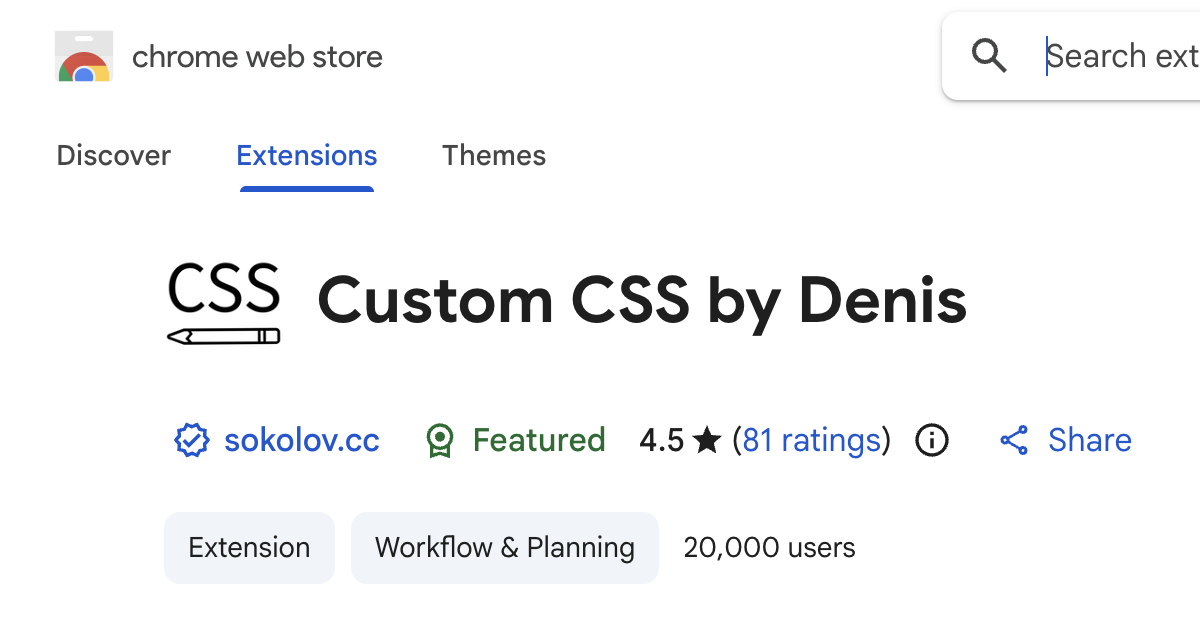
You can install this extension, and then after installation, go to your store Admin :

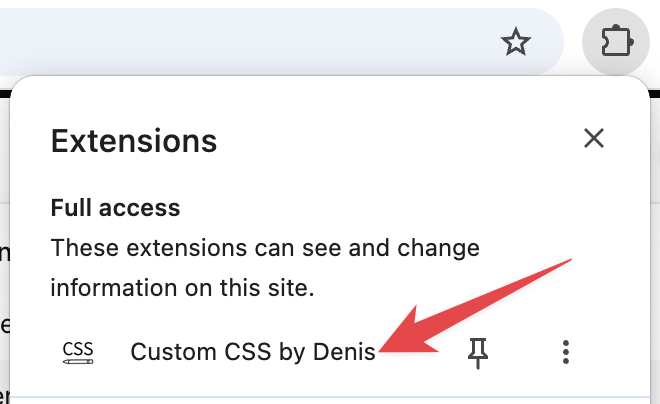
Then open the extension (Custom CSS by Denis) :
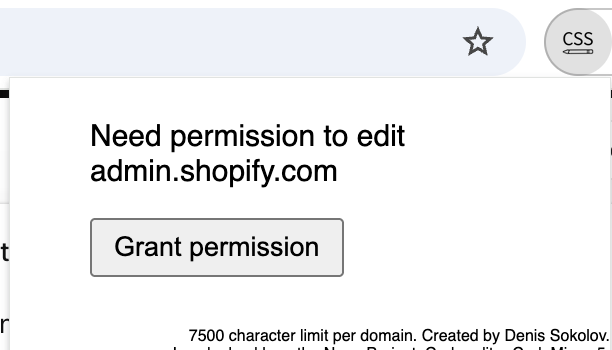
Ensure the domain shown is “admin.shopify.com”, and click “Grant permission” :
Then paste in the following CSS code :
div[class^='_GlobalRibbonContainer'] { display: none }
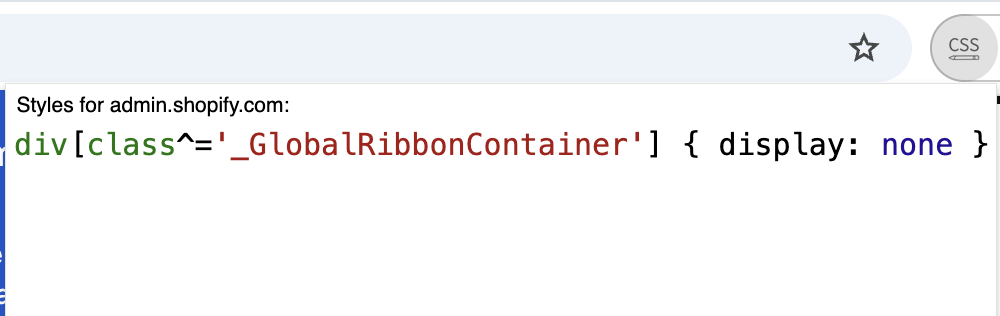
After pasting, click your mouse anywhere to close the edit dialog, then refresh the page.
The pesky Sidekick box at the bottom should be gone now, enjoy! (If it didn’t work, try quitting Google Chrome and open it again)
Customize your Shopify store without coding knowledge, and gain happy customers
I will send practical tutorials and guide which you can follow without coding experience, about once a week
We respect your privacy, unsubscribe any time